Every app looks the same in a screenshot. The differences that decide whether you keep using one show up in the third month, on a venue with bad wifi, when a client wants their logo on the overlay by tomorrow morning. Most photo booth app reviews never get that far, so here are the five things worth comparing, and what we install on the booths we build.
1. Which Platforms It Runs On
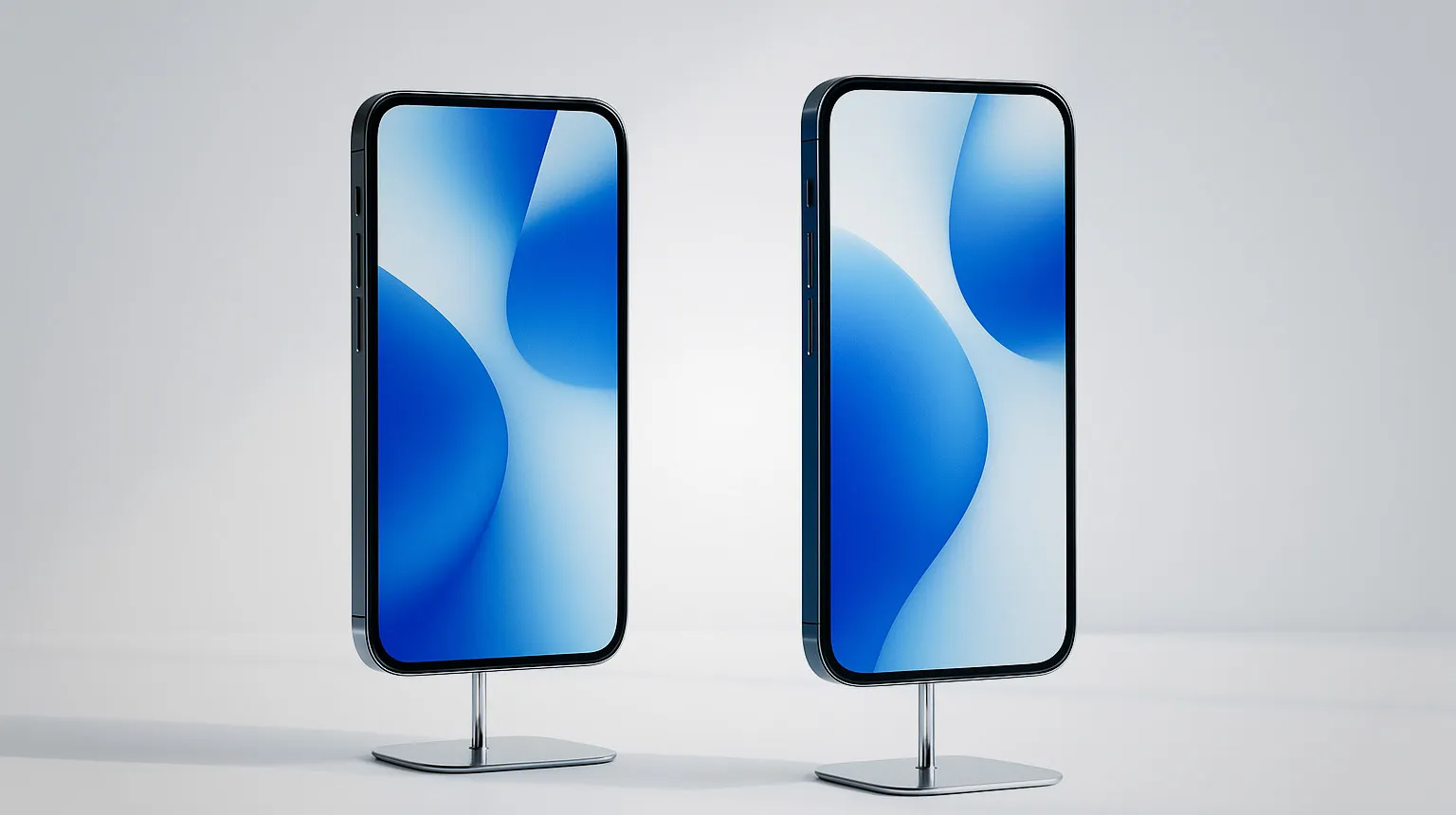
An app that only runs on one operating system chooses your hardware for you, forever. If it is iOS only, every replacement device is an iPhone or an iPad at whatever Apple charges that year. Android support means you can buy the device that fits your budget and swap it without changing your entire workflow.
Our pick: Snap360App runs on both iOS and Android, which is why we can configure it on whatever device an operator already owns.
2. What “Free” Actually Means
Free ranges from a genuine working version to a watermark you cannot remove. Ask a narrower question: can you run a complete event on the free tier before paying anything, capture, overlay, share, and see the result a guest would see.
If you cannot test the whole workflow on your own hardware, you are buying blind, and no amount of best photo booth software reviews will tell you how it behaves on your device.
Our pick: Snap360App is free to download and test on both platforms, so you can run the full workflow on your own platform before spending anything.
3. Hardware Compatibility
Ask what the app drives besides the phone camera. Action cameras, external cameras and printers all matter depending on your format. A 360 platform with a GoPro on the arm is a different setup from a phone in a clamp, and the app decides whether both are possible.
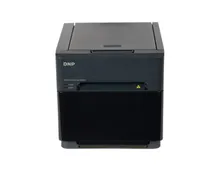
For print booths, printer support is the whole question: if the app cannot drive a DNP printer in your chosen print size, the rest of the feature list is irrelevant.
4. What the Guest Actually Receives
Compare outputs, not features. Record the same session on two apps and look at the clip on a phone, which is where it will be watched.
- Does the slow motion look smooth or stepped?
- Do overlays and branding sit correctly on vertical video?
- How many taps from finishing to having the clip on your phone?
- Does sharing survive a venue with weak wifi, or does the guest leave empty handed?
That last one is where most apps quietly fail, and it is the one guests remember. A photo booth that sends pictures to phone in one tap on a full venue wifi can still lose the file in a marquee, so test it somewhere with one bar of signal before the season starts.
5. Cost Over a Season, Not per Month
A subscription that looks small is a real number once you multiply it by twelve and add it to your annual costs. Put it in the same calculation as insurance and media, then divide by the events you actually work, as set out in how much photo booth owners make.
An app that costs more but removes a laptop from your setup can still be the cheaper choice, because it removes a device, a cable and a failure point. Any photo booth software comparison that stops at the monthly price misses that line entirely.
What We Install and Why
On our own 360 platforms we configure Snap360App: it runs on iOS and Android, it is free to download and test, it handles the capture, overlays and instant sharing a 360 clip needs, and it does not force an operator into one hardware ecosystem.
For AI experiences we work with Pictiax, which packages live AI caricatures with a credit model that maps cleanly onto how activations are quoted, covered on our AI photo booth page.
Several other applications in this market do the job well, and if you are hunting for a photo booth alternative app the shortlist is short in every language. Threads asking for the best photo booth software on Reddit come back to the same five points above, which is a reasonable sign they are the ones that matter. We recommend these two because they are the ones we configure, test and support on the machines we build, so when something behaves oddly at an event we already know the answer.
Deeper detail on the 360 side is in the 360 photo booth app guide, and the whole stack is on photo booth software.