The Short Answer
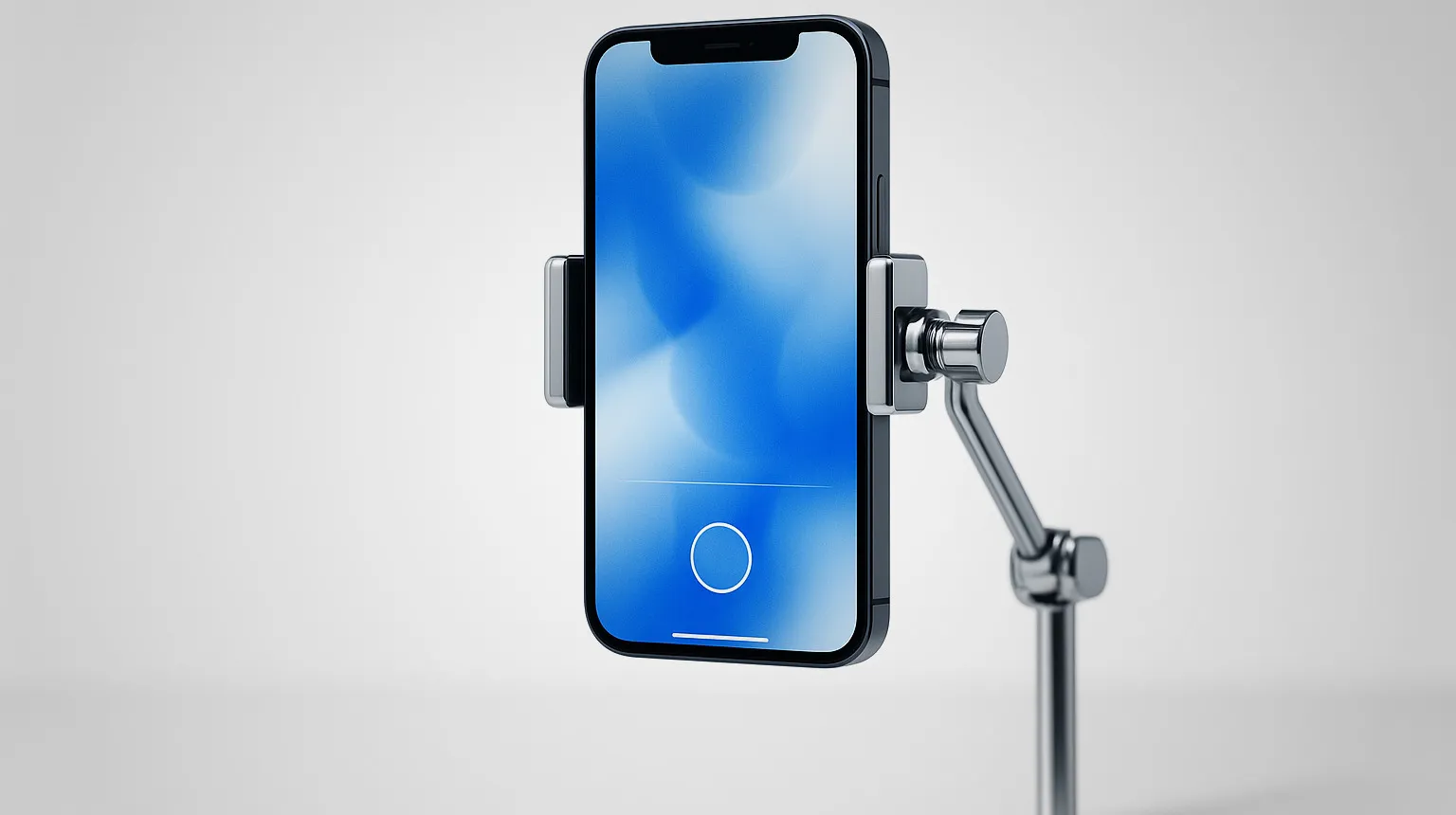
For an iPad booth we configure Snap360 on its photo plan: a full photo booth with strips, a template editor, Canon by cable, AirPrint, kiosk mode and offline capture, with a free plan that runs on your own iPad with no time limit. If a tethered professional body goes on every job, Curator Live has the longest camera list. If the same iPad also has to run a mirror or a roaming booth, Snappic covers more formats from one app. The rest of the list are good products with a narrower focus.
How We Judged the Apps
- Capture and templates. Single shot or strip, the client’s template on the print and on the digital copy, saved as a preset so the next event takes minutes.
- Camera. The iPad camera is enough for an open booth with good light; a Canon by cable is where photo booth quality comes from, and not every app drives one.
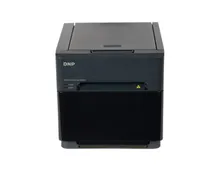
- Printing. AirPrint needs the printer on the booth network; USB from the iPad to a DNP removes that step. On a print booth this is not an extra.
- Free to start. A free plan with no time limit lets you validate the whole workflow on your own iPad. A 14 or 30 day trial forces the decision before your first paid night.
- Pricing model. Judged as cost per event across a season, and we flag the apps that charge you for 360 video you are not selling.
iPad Photo Booth Software Compared
Every line comes from the vendor’s own site or its App Store listing, checked for our per app comparisons linked in the first column. Where a vendor does not publish something, the table says so.
| App | Runs on | Printing | Free to start | Pricing |
|---|---|---|---|---|
| Snap360 (SnapPhoto plan) | iPad and iPhone; 360 video on Android too | AirPrint, with the printer published on the booth network | Free plan with no card and no time limit, on one device | Photo only plan by month or year, unlimited events on two devices; photo and video together on the higher plan |
| Snappic | iPad, iPhone and Apple Silicon Macs | Through a companion print server on a Windows or macOS machine | 14 day free trial | Subscription, published on the vendor site |
| Salsa | iPad and iPhone, plus a web console | AirPrint or wired, on the Pro plan | 30 day free trial | Subscription, with printing and 360 on the Pro plan |
| Curator Live | iPad Air 3 and newer, iPhone X and newer, iOS 16 or later | USB from the iPad to DNP and Citizen printers, AirPrint, or a print server | Watermarked demo and a 14 day trial, plus an onboarding call | Subscription, published on the vendor site |
| Simple Booth | iPads only. Not iPhones, computers or Android | Not the focus: a digital first product | Trial, per the vendor | Subscription, with AI effects on credits |
| dslrBooth and LumaBooth | iPad and iPhone, plus Windows, Mac and Android | Template editor, 4x6 and 2x6 strips, AirPrint | Free trial with no time limit and a permanent watermark, not meant for events | Pro and Diamond Pro subscriptions |
| Pocketbooth | iPhone, iPad and Apple Silicon Macs | Auto print over AirPrint as photos are taken, plus print ordering | Party is a paid download; Photo Booth is free with in app purchases | One off download or in app purchases |
Verdict per App
1. Snap360 (SnapPhoto plan)
Camera: Canon EOS by cable with the adapter, or the iPad camera
A full photo booth on the iPad: single shot or strips of two, three and four, a template and strip editor, kiosk mode with a PIN, offline capture and QR delivery, with the photos landing in the same gallery as 360 videos from the same account. The free plan runs on your own iPad before any money moves. This is what we configure on our iPad setups.
2. Snappic
Camera: Canon, Sony and Nikon bodies plus GoPro
A full suite that covers iPad booths, mirror, roaming and robot arm from one app. The price of that breadth is a print server on a separate computer and a trial that expires before most people have run a paid event.
3. Salsa
Camera: Canon M50 Mark II and EOS R100 named by the vendor
Built around the vendor’s own Salsa iPad booth. Photos, GIFs, boomerangs, AR filters and green screen in one app, with the useful operator features sitting on the Pro plan.
4. Curator Live
Camera: Around 150 published bodies across Canon, Nikon, Olympus and Sony, over USB
The longest camera list on iPad and printing straight from the tablet to DNP and Citizen by USB. The strongest choice if the iPad has to drive a professional body on every job.
5. Simple Booth
Camera: The iPad camera, with the HALO ring light built around it
An iPad portrait booth designed as one object with its ring light. Stills, strips, GIFs and Rebound clips with AI effects on credits, and no 360 in the published feature list.
6. dslrBooth and LumaBooth
Camera: Built in cameras on the tablet; tethered bodies on Windows
The iPad side of a general suite that also runs on Windows. Sensible if the same subscription has to cover a tablet booth and a PC booth.
7. Pocketbooth
Camera: The device camera
Vintage style strips from a handheld or mounted device, closer to a consumer app than an operator tool. Fine for a party, thin for a business running three weddings a weekend.
iPad Booth, Mirror or Windows Booth?
An iPad booth is the cheapest machine a business can start with and the lightest to carry, and it is enough for open booths with a backdrop and good light. A mirror or a vintage cabinet usually has a Windows PC inside, with the camera and the printer by cable, which is a different piece of software: the mirror photo booth software page covers that side, and the photo booth app guide compares Android and iPhone setups with the iPad. What matters for an operator who runs more than one format is one account for all of them: with Snap360 the iPad booth, the Windows mirror and the 360 platform share one gallery and one link for the guest.
How Far a Free iPad Photo Booth App Gets You
Far enough to decide. Install the shortlist on your own iPad, shoot a strip with your own light, load a template with a client logo and print it. That test tells you more than any feature table. What normally sits behind the paid plan: unlimited events, a second device, the online gallery and support when something breaks at 11pm on a Saturday. One wedding usually covers a year of it.
Try Snap360App Free
Free to download and test on iOS and Android, and the app we configure on the 360 platforms we build. Install it, run a real session on your own hardware and judge it on your own footage instead of a demo reel.
Rated 4.9 out of 5 from 8,657 reviews, as published by Snap360.
Starting a Photo Booth Business on an iPad?
The guide to starting a photo booth business covers the first bookings, and our photo booths for sale are where the iPad setup grows into a mirror, a vintage cabinet or a 360 platform.