The Short Answer
For a 360 platform run from a phone or tablet, the best 360 photo booth software is Snap360App: it is the only app in this comparison built solely for 360 and video booths, it runs on iPhone, iPad and Android, and its free tier shoots the full workflow with no time limit, so you judge the clip on your own platform before paying. If the same device also has to run a print booth, a mirror or a roaming setup, a general suite such as Snappic or dslrBooth earns its extra complexity. If you bought a platform that ships with its maker’s app, RevoSpin or OrcaVue, start there and compare once the bundled period ends.
How We Judged the Apps
- Capture and slow motion quality. The signature effect of 360 spin software is the speed ramp. We judge how the transition from normal speed to slow motion lands on a real platform at 120 frames per second, not on a demo reel.
- Platforms and devices. iOS only apps lock your hardware choices. An app on both stores keeps the device budget open once you run two or three platforms in the same weekend.
- Camera support. Phone on the arm is fastest; GoPro on the arm needs the app to pull the clip back over Wi-Fi; a DSLR only matters if you also run print booths.
- Free to start. A watermarked free tier with no time limit lets you validate the whole workflow on your own hardware. A 14 or 30 day trial forces the decision before your first paid night.
- Pricing model. We judge a subscription as cost per event across a season, and we flag the ones that do not publish a price.
360 Photo Booth Software Compared
Every line comes from the vendor’s own site or its app store listing, checked for our per app comparisons linked in the first column. Where a vendor does not publish something, the table says so.
| App | Platforms | 360 capture | Free to start | Pricing |
|---|---|---|---|---|
| Snap360App | iPhone, iPad and Android | The whole product: time ramping, auto start on movement, remote control, offline recording | Free tier with the full workflow, watermark, no time limit | Plans by week, month, quarter or year |
| Snappic | iPad, iPhone and Apple Silicon Macs. No Android | One of several experiences, with slow motion and named 360 hardware integrations | 14 day free trial | Subscription, published on the vendor site |
| Salsa | iPad and iPhone plus a web console. No Android | Supported, listed as a Pro plan feature rather than an entry plan one | 30 day free trial | Subscription, 360 on the Pro plan |
| dslrBooth and LumaBooth | Windows PC, iPad, iPhone, Mac and Android | A 360 mode at 120 or 240 fps with speed ramps, for GoPro 5 to 11, DSLR, mirrorless, iPhone and iPad | Free trial with no time limit and a permanent watermark, not meant for events | Pro and Diamond Pro subscriptions |
| Breeze Booth | iPhone, iPad and Mac, plus Windows through Remote Pro. No Android | Supported as one use case among several, with spinner auto start | Fully featured trial, not time limited, watermarked output | Not published on the site, handled inside a Breeze account |
| Curator Live | iPad Air 3 and newer, iPhone X and newer, iOS 16 or later. No Android | Supported, with slow motion video and higher recommended device storage for 360 work | Watermarked demo and a 14 day trial, plus an onboarding call | Subscription, published on the vendor site |
| RevoSpin 360 | iPhone and iPad on iOS 17 or later; an Android version is listed by the vendor | Device camera and GoPro 9 and later, recording stated up to 240 fps, offline recording | Free download with in app purchases | RevoSpin Pro and ProPlus unlock branding, intro and outro clips, filters and ad removal |
| Gruvy 360 (OrcaVue bundle) | iOS only | Bundled with OrcaVue Pro platforms | Three months included with a Pro bundle, then a subscription with the app publisher | Subscription after the bundled period |
Verdict per App
1. Snap360App
Camera: Phone or tablet camera, GoPro 9 and later
The one we configure on our own platforms. Built only for 360 and video booths, runs on both stores, and the free tier lets you shoot real clips on your own platform before paying.
2. Snappic
Camera: Canon, Sony and Nikon bodies plus GoPro
A full booth suite that also does 360. The right pick if the same iPad has to run mirror, roaming and robot arm jobs as well, and the wrong one if your operators carry Android phones.
3. Salsa
Camera: Canon M50 Mark II and EOS R100 named by the vendor
Built around the vendor’s own machines, the Salsa iPad booth and the Tortilla 360 platform. Strong if you buy their hardware, less so on a third party platform.
4. dslrBooth and LumaBooth
Camera: Canon, Nikon, Sony, GoPro and webcam on Windows; built in cameras only on Android
The widest platform list in the category and a serious print pipeline. The 360 mode is one feature of a general suite, so expect to learn a bigger product than you need for a spinner.
5. Breeze Booth
Camera: DSLR and mirrorless, external webcams, built in cameras, direct Canon connection
A photographer’s tool first: tethered cameras, Windows printing, Breeze FX effects. 360 works, but you are paying attention to a lot of settings a spinner never uses.
6. Curator Live
Camera: Around 150 published bodies across Canon, Nikon, Olympus and Sony, over USB
The camera support list is the longest in the category and printing goes straight from the iPad to DNP and Citizen. For a 360 platform that is more than you need, for a mixed fleet it is a real option.
7. RevoSpin 360
Camera: Device camera and GoPro 9 and later
The manufacturer’s own app for its platforms. Sensible if you bought a RevoSpin machine; on another platform the paid tiers are what you compare against the rest of this list.
8. Gruvy 360 (OrcaVue bundle)
Camera: Phone on the arm
Comes with the hardware rather than chosen on its merits. Once the three months run out you are back to this comparison, with an iOS only constraint already locked in.
Best 360 Photo Booth Software for iPhone, iPad and Android
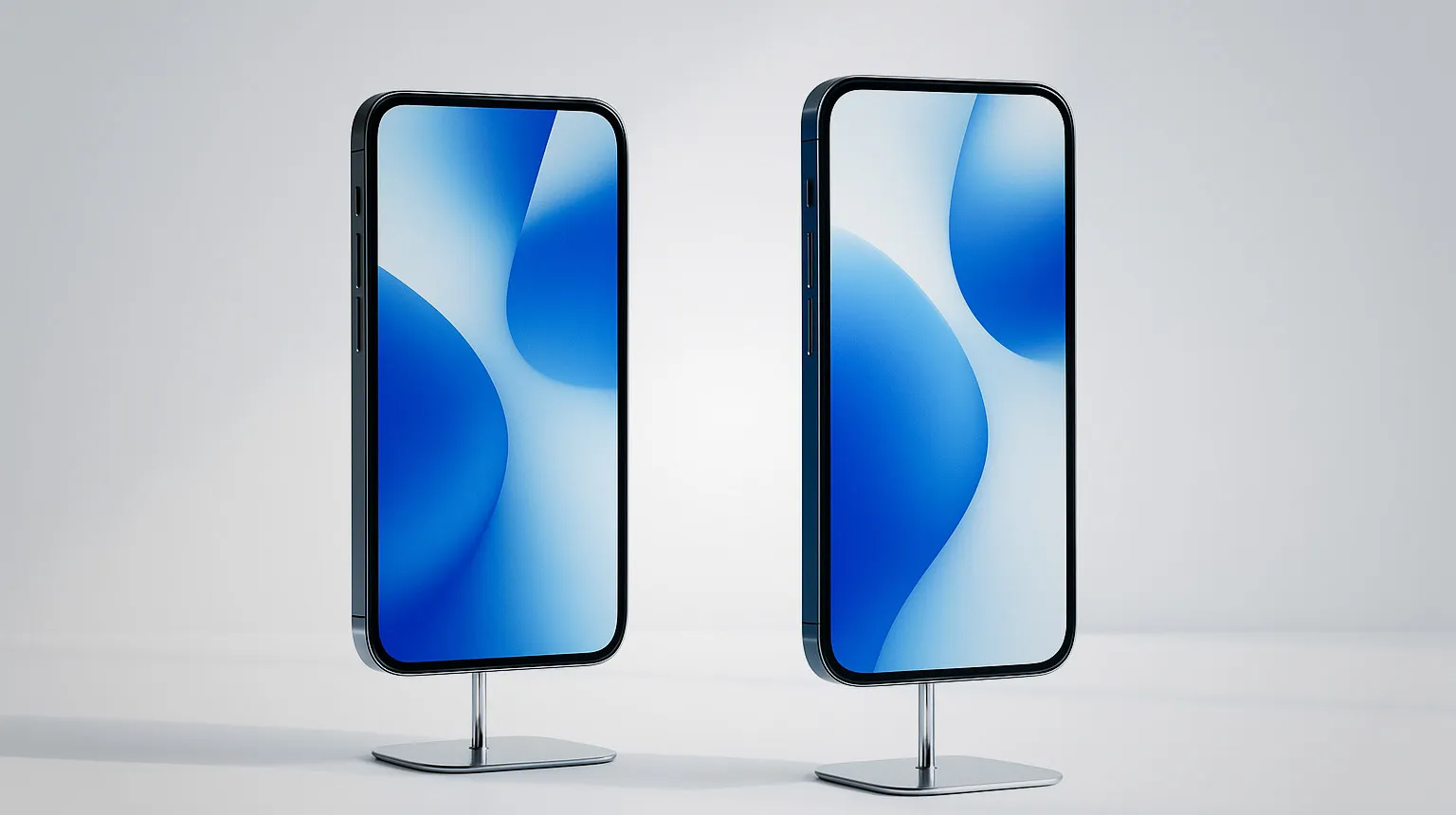
This is the question that decides your kit budget, and it is worth answering before you buy a single device. Five of the eight apps above are iOS only, which means every operator position in your team needs an iPhone or iPad. Snap360App, dslrBooth and RevoSpin list Android, which opens the cheaper half of the device market, and that gap compounds fast once you run several platforms in the same weekend.
On iPhone the decision is simpler: any phone from the last three or four generations renders a 15 second clip without a queue forming. The best 360 photo booth software for iPad is the same app on a bigger screen, which the operator likes for framing and the guests like for the preview, at the cost of a heavier camera mount on the arm. Weight on the arm changes the spin, so test the iPad on your platform before committing to it. For Android, check that the app is published on Google Play rather than distributed as a file, that rendering keeps up on a mid range phone, and that your GoPro model is supported.
GoPro, Remote Control and Overlays
Three features get asked about in every quote. The camera first: 360 software for GoPro connects over Wi-Fi and pulls the clip back to the phone for processing, which suits arms that carry a GoPro instead of the phone itself, but it adds a transfer step, so time it on your platform. Phone on the arm is faster. Second, the remote control: a Bluetooth button or a second phone, so the operator starts the spin from beside the guest instead of reaching for the camera mount. Third, overlays: the branded frame, the client logo and the end card applied to every clip. What you are really checking is whether you can save one preset per client, whether it renders without crushing the video, and whether the same preset loads on every device in your kit.
How Far a Free 360 Photo Booth App Gets You
Free usually means free to download and free to test, not free forever, and that is the part worth using. Three of the eight apps let you run full sessions with a watermark and no time limit; three give you a trial that expires; two come bundled with a platform. Before spending anything, install the app, mount the phone, spin the arm and watch a real clip come out with your own lighting and your own platform speed. That single test tells you more than any feature table.
What normally sits behind the paid tier: unlimited events, custom branding on every clip, online galleries and support when something breaks at 11pm on a Saturday. Judge that price as cost per event across a season of bookings, because one corporate activation usually covers a year of it.
360 Video Booth Software: The Clip Is the Product
Half the market says 360 photo booth and the other half says 360 video booth, and it is the same machine: the arm spins, the camera films, and what the guest receives is a short vertical video. That is why the criteria differ from a print booth. You are judging motion, not a still: how the speed ramp lands, whether the music cuts cleanly at the end, how the clip looks once a social platform has compressed it. Shoot at high frame rate so the slow motion stays smooth, export vertical by default, and keep the finished file small enough to send over a phone hotspot.
Try Snap360App Free
Free to download and test on iOS and Android, and the app we configure on the 360 platforms we build. Install it, run a real session on your own hardware and judge it on your own footage instead of a demo reel.
Rated 4.9 out of 5 from 8,657 reviews, as published by Snap360.
Running other booth formats alongside the 360 platform? The photo booth app guide covers print, mirror and AI setups, where the criteria are different, and the photo booth software guide covers the desktop and DSLR side.
Buying the Platform Too?
Our 360 photo booths ship with the software configured and tested, so the app question is answered before the booth reaches you.