The Short Answer
For a mirror with a Windows PC inside, the software we configure is Snap360’s photo booth software for Windows: native on Windows 10 and 11, Canon and DNP by cable, the whole event offline, two machines per licence, and the first 50 photos with no account and no card so you can judge it behind your own glass before paying. If your mirror was built around an iPad, read the iPad photo booth software page instead. If you already run a Windows print booth on dslrBooth, Breeze or Darkroom, they drive a mirror too, with the interface behind the glass left for you to design.
What Mirror Photo Booth Software Has to Do
- Read behind the glass. The start screen, the countdown and the animations are seen as a reflection with the room lights on. Contrast, size and the position of the touch points decide whether guests find the button, and a layout that looks fine on a desk can vanish behind two way glass.
- Drive the camera by cable. A mirror is a photo product, and the quality guests expect comes from a tethered Canon, not a webcam. The software has to trigger it, pull the frame back and show it on the glass in a second or two.
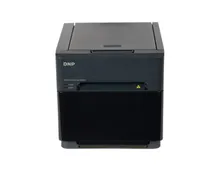
- Print without a queue. A DNP connected by cable, a template per client, double prints for couples and a counter per event. On a mirror the print is what the guest takes home, so the print pipeline is not an extra.
- Run the night offline. Capture and printing cannot depend on the venue wifi. Digital delivery can wait for a hotspot; the paper cannot.
- Keep your templates per client. The couple’s names on the glass and on every print is what you charge for. Saving a preset per client turns the next setup into a two minute job.
Windows or iPad Inside the Mirror?
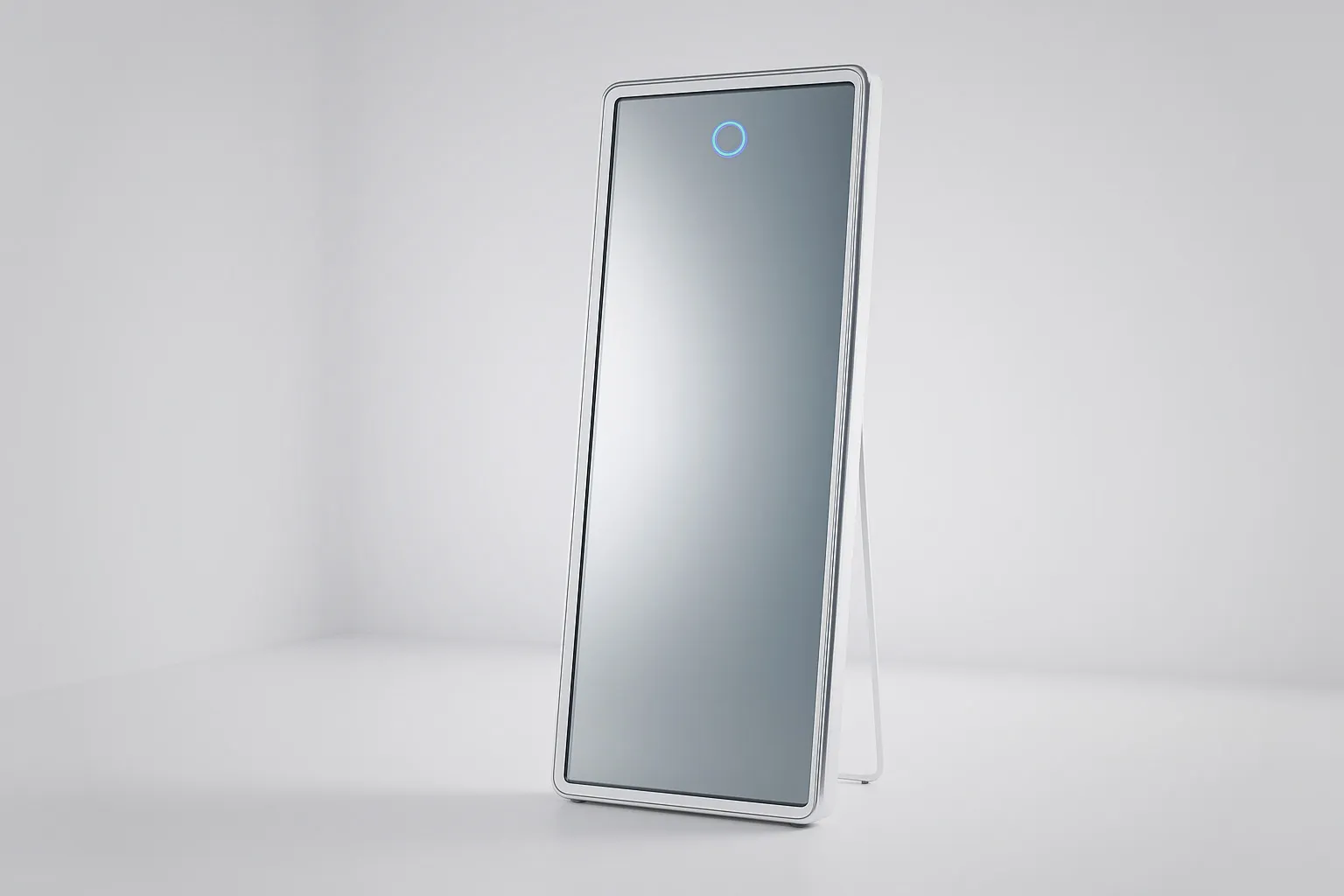
Most magic mirrors ship with a Windows computer in the frame, because a large touch screen, a tethered DSLR and a printer by cable are a desktop job, and photo booth software for Windows grew up around exactly that. A smaller family of mirrors is built around an iPad behind the glass: lighter, cheaper, and limited to what the tablet can drive, which today includes a Canon by adapter and AirPrint printing. The decision is made by the mirror you buy, not the other way round. Our mirror photo booths are built around a Windows PC, which is why this page is about Windows software; the photo booth software guide covers the whole stack across formats.
Mirror Photo Booth Software Compared
Every line comes from the vendor’s own site or its store listing, checked for our per app comparisons linked in the first column. Where a vendor does not publish something, the table says so.
| Software | Runs on | Printing | Free to start | Pricing |
|---|---|---|---|---|
| Snap360 photo booth software for Windows | Windows 10 and 11, installed on the PC already inside the mirror | DNP by cable, with print preview, double prints and a print counter per event | First 50 photos with no account and no card | Separate yearly or monthly licence, two machines per licence, updates included |
| Foto Master FMX | Windows and iPad. No Android | Custom layouts, on any printer the Windows machine supports | No free trial stated on the product pages | Licence per device on Windows, billed annually |
| dslrBooth | Windows PC, Mac, iPad, iPhone and Android | Template editor, 4x6 and 2x6 strips, direct USB to DNP, Citizen and HiTi | Free trial with no time limit and a permanent watermark, not meant for events | Pro and Diamond Pro subscriptions |
| Breeze Remote Pro | Windows, with Breeze Booth on iPad, iPhone and Mac | Windows printing with its own layouts | Fully featured trial, not time limited, watermarked output | Not published on the site, handled inside a Breeze account |
| Darkroom Booth | Windows PC, all in one or Windows tablet. Booth for iPad is a separate product | Print layouts and templates are core to the product | Free trial download, plus a ten day full licence for a small fee | One off licence for Windows with the first year of updates, then a yearly maintenance fee |
Verdict per Option
1. Snap360 photo booth software for Windows
Camera: Canon EOS by cable, USB webcam or the PC camera
Native Windows software built for the computer that is already in the booth, with the whole event running offline and the photos landing in the same online gallery as the 360 videos from the same account. The licence covers the two machines you usually bring to an event. This is what we configure on our mirror booths.
2. Foto Master FMX
Camera: Canon, Sony, Nikon, GoPro and USB webcams on Windows
The software of a company that also builds mirror booths, with green screen live on the preview and a long list of AI effects. Deep and mature, and priced per device with no trial to test it on your own glass first.
3. dslrBooth
Camera: Canon, Nikon, Sony, GoPro and webcam on Windows, with a published model list
The widest platform list and a serious print pipeline. A general booth suite rather than a mirror product, so the interface behind the glass is yours to design.
4. Breeze Remote Pro
Camera: DSLR and mirrorless, external webcams, direct Canon connection
A photographer’s tool first, with tethered cameras at its core and a mirror among the formats it lists. Powerful, and you configure a lot of it yourself.
5. Darkroom Booth
Camera: Tethered DSLR and mirrorless by cable or wireless, webcams, GoPro
The classic Windows print booth programme, bought once rather than subscribed to. Light painting and VR 180 come with it; what it does not do is share one gallery with a 360 app.
One Account for the Mirror and the 360 Platform
The reason the Windows software earns its place on our mirrors is what happens after the event. Operators who run a mirror and a 360 platform at the same wedding used to manage two programmes, two galleries and two links. With the Windows software for the mirror and the app on the phone for the platform sharing one account, the photos and the videos land in the same event, with a single gallery and a single QR for the guest, and you manage it from a computer on Monday instead of from the phone.
How Far Free Mirror Software Gets You
Free usually means free to install and test, and that is the part worth using. Install the shortlist on the actual mirror, tether your camera, load a template and print one strip. That single test, behind your own glass with the room lights on, tells you more than any feature list. What normally sits behind the paid licence: unlimited events, several machines, the online gallery and support when something breaks at 11pm on a Saturday. Judge a yearly licence as cost per event across a season, because one wedding usually covers it.
Try Snap360App Free
Free to download and test on iOS and Android, and the app we configure on the 360 platforms we build. Install it, run a real session on your own hardware and judge it on your own footage instead of a demo reel.
Rated 4.9 out of 5 from 8,657 reviews, as published by Snap360.
Buying the Mirror Too?
Our mirror photo booths ship with the Windows software installed, configured and tested with a full session, prints included. The Canon camera and the DNP printer are optional and quoted in the same quote.